






Keep your links, notes and files in one collection. Choose a few known items and check that you can find them by title or content.
Keep different formats together
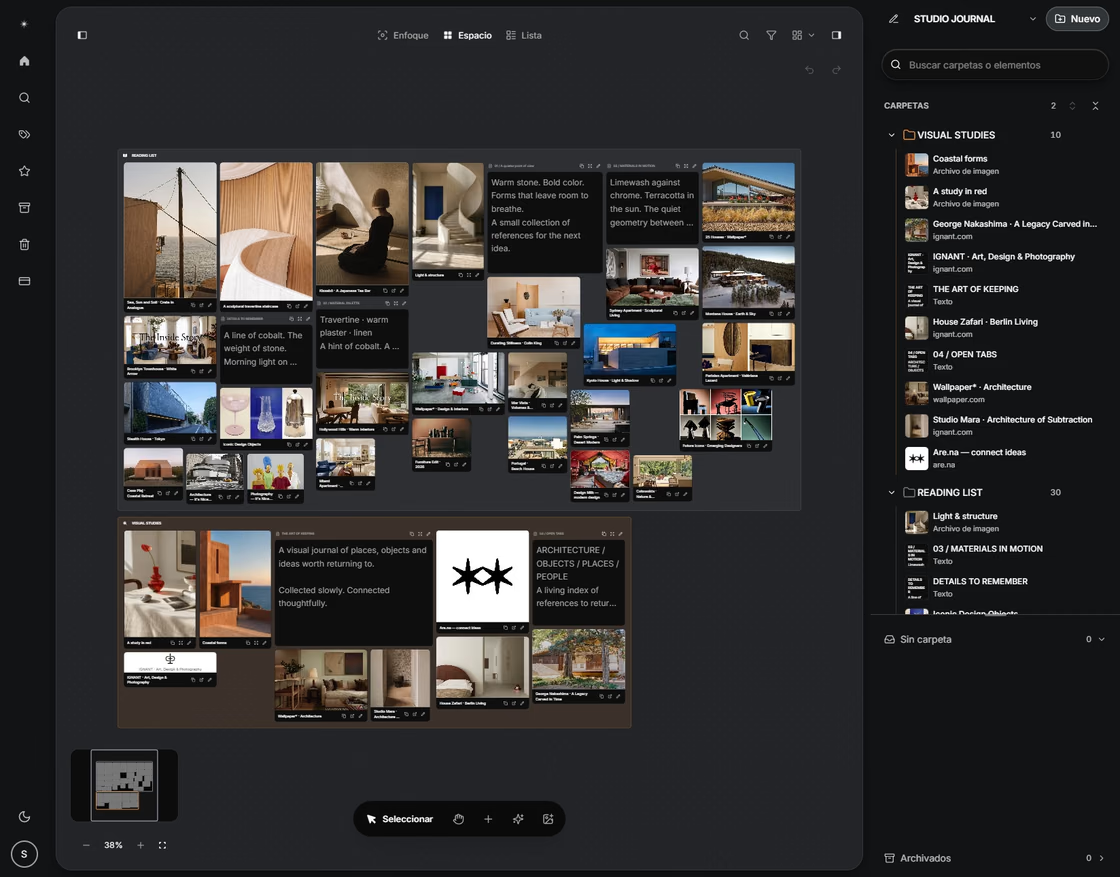
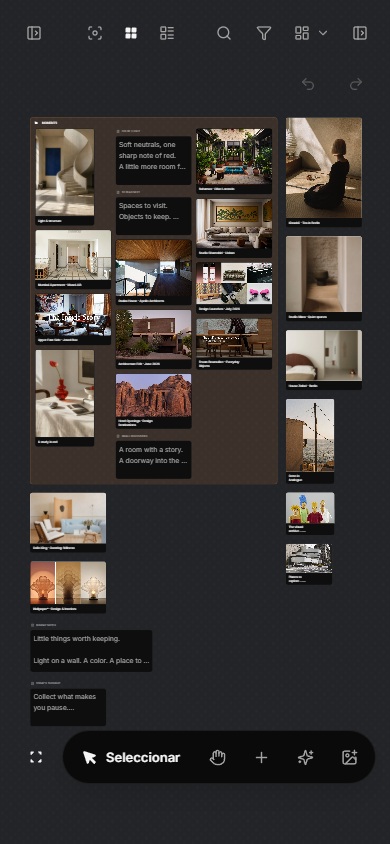
A simple capture flow makes links, notes, images, PDFs, and archived pages part of the same collection.
Choose lists and tags you use
Lists, rules, tags, and summaries create useful order while letting every person organize in their own way.
From collecting to rediscovery
A saved item earns its place when you can retrieve it for a real question. Test that path with known items instead of judging the library by its size.
A practical decision
| Need | Light structure | Warning sign |
|---|---|---|
| Capture now | One inbox | Items never leave it |
| Find later | Searchable context | Notes use private shorthand |
| Review together | A named collection | The same item has many copies |
Check the result
An important limit
Review your lists and tags when you struggle to find an item. Remove the ones you do not use and test a sample export.