


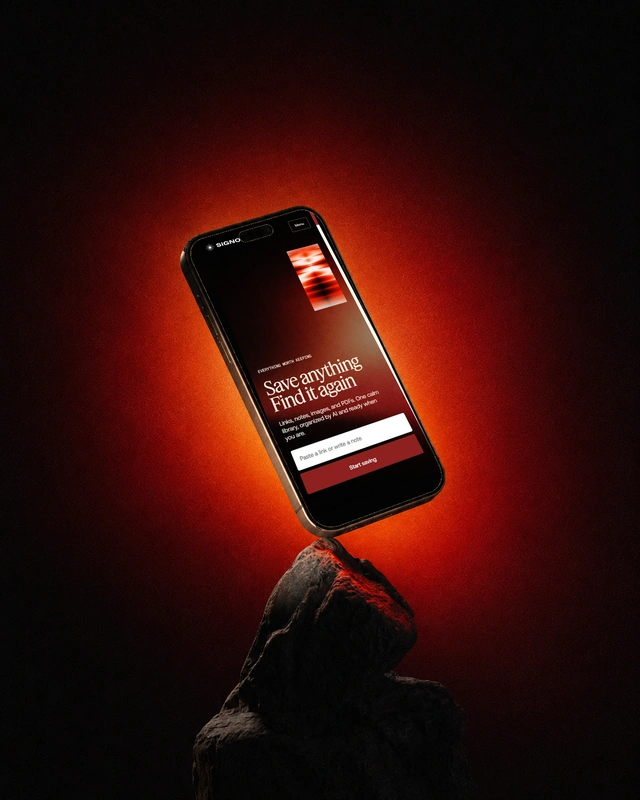



Save a page with a note about why you need it. Later, search by its title, content or the details you remember.
A way out of tab overload
One quick save moves something valuable out of your browser and into a library built for later.
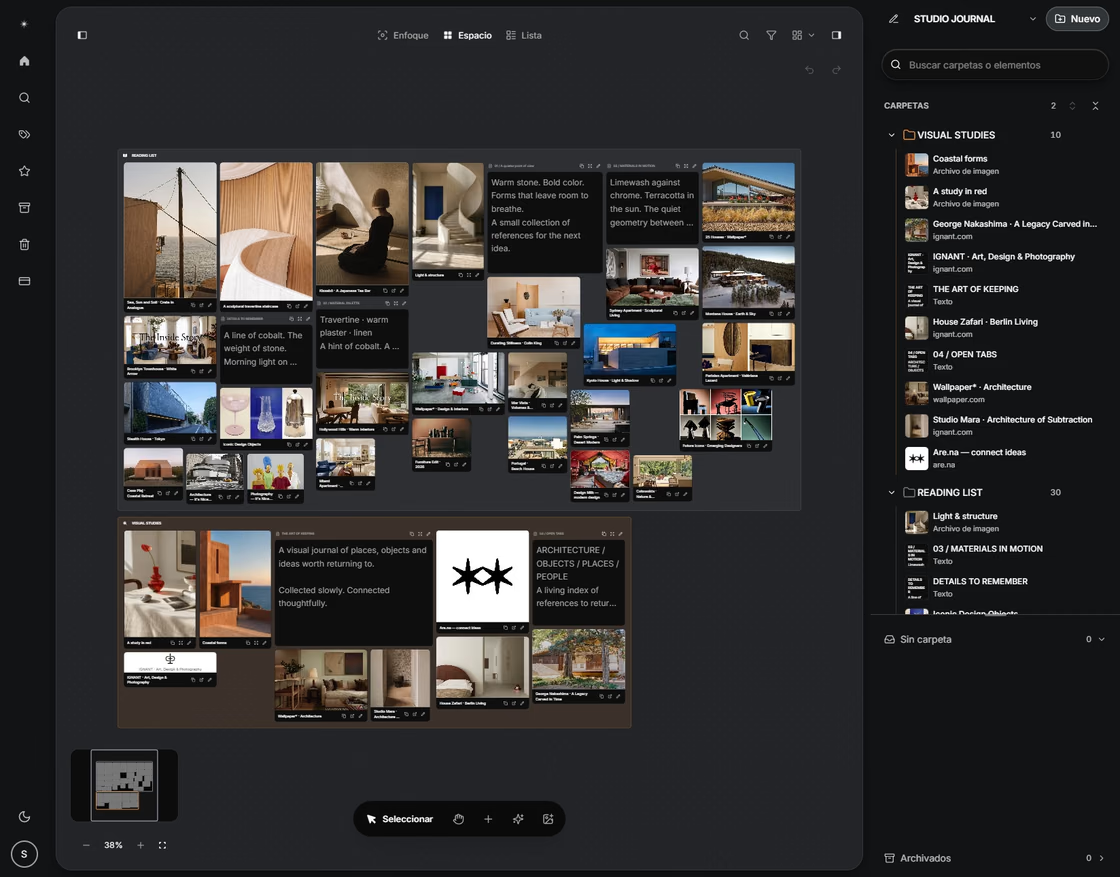
Built for disappearing pages
When the original page changes, archival and metadata help keep the useful version close.
Keep the source and your reason for saving it
A useful save keeps the source, readable content, and a short reason for keeping it. Those fields make later search easier to verify.
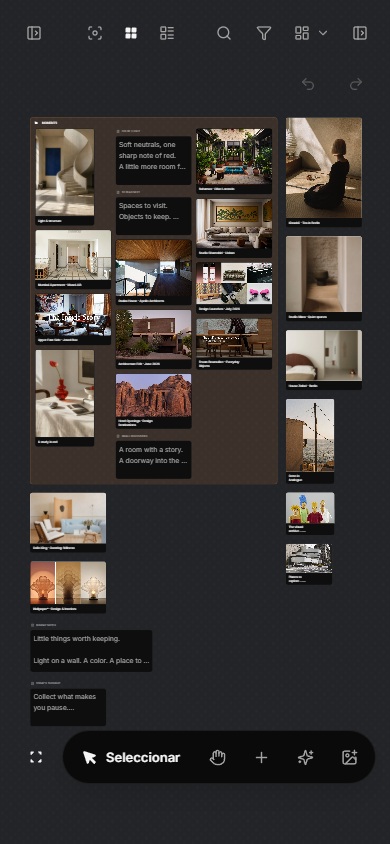
A practical decision
| Part | Purpose | Quick check |
|---|---|---|
| Source | Trace the original | URL and date are visible |
| Content | Keep the useful material | The saved item opens |
| Context | Explain future value | The next action is clear |
Check the result
An important limit
No capture tool can repair an unreliable source. Preserve provenance and verify important claims in the original material.