




01
Capture from anywhere
Save links, quick notes, images, and PDFs from any device, right when you find them.

Capture + intelligence
Save every useful find in one place. Signoapp preserves the context, organizes the clutter, and brings it back on demand.
Signoapp explained
01
Save links, quick notes, images, and PDFs from any device, right when you find them.
02
Signoapp suggests useful tags and summaries. Your library takes shape without slowing you down.
03
Archived pages preserve the useful context, even when the original link changes or disappears.
04
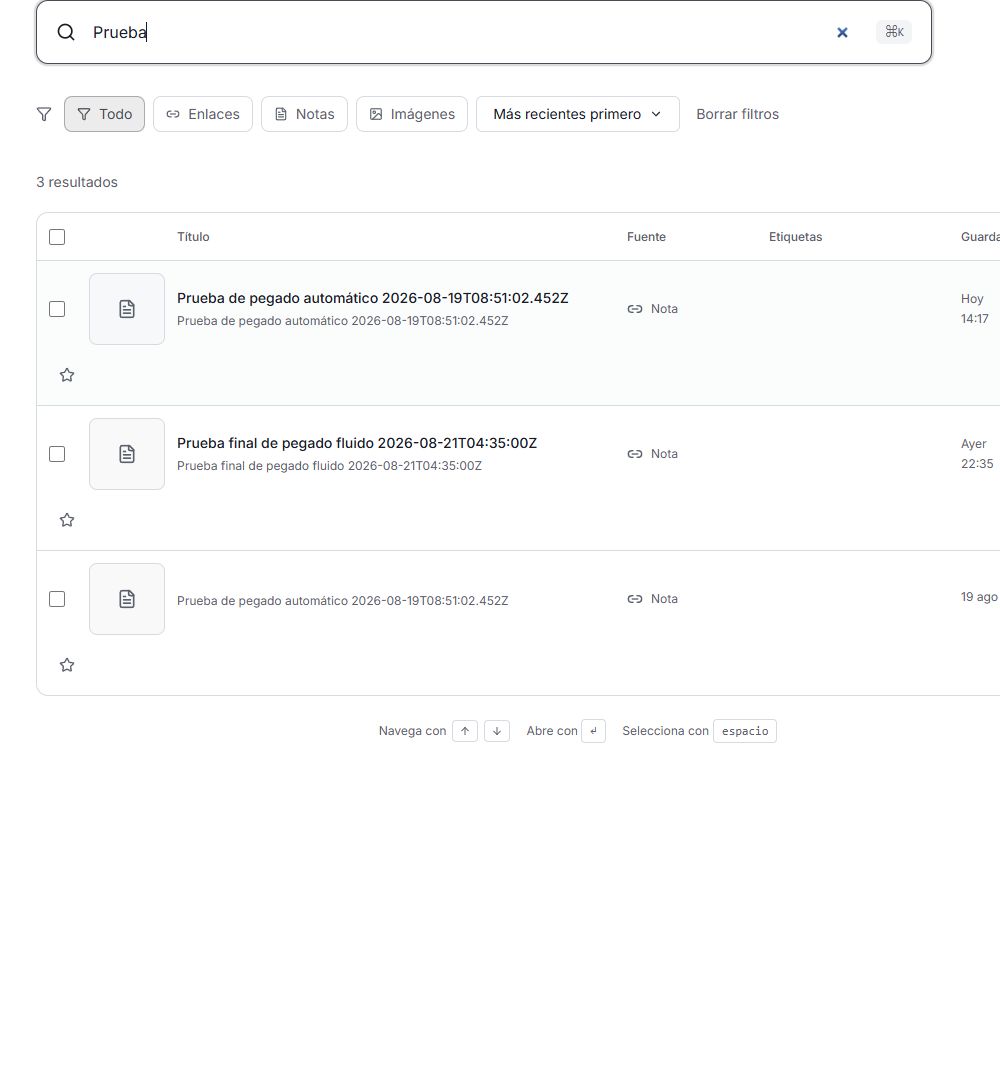
Find any saved word, topic, image, or idea with full-text and semantic search.
Your Signoapp library
01
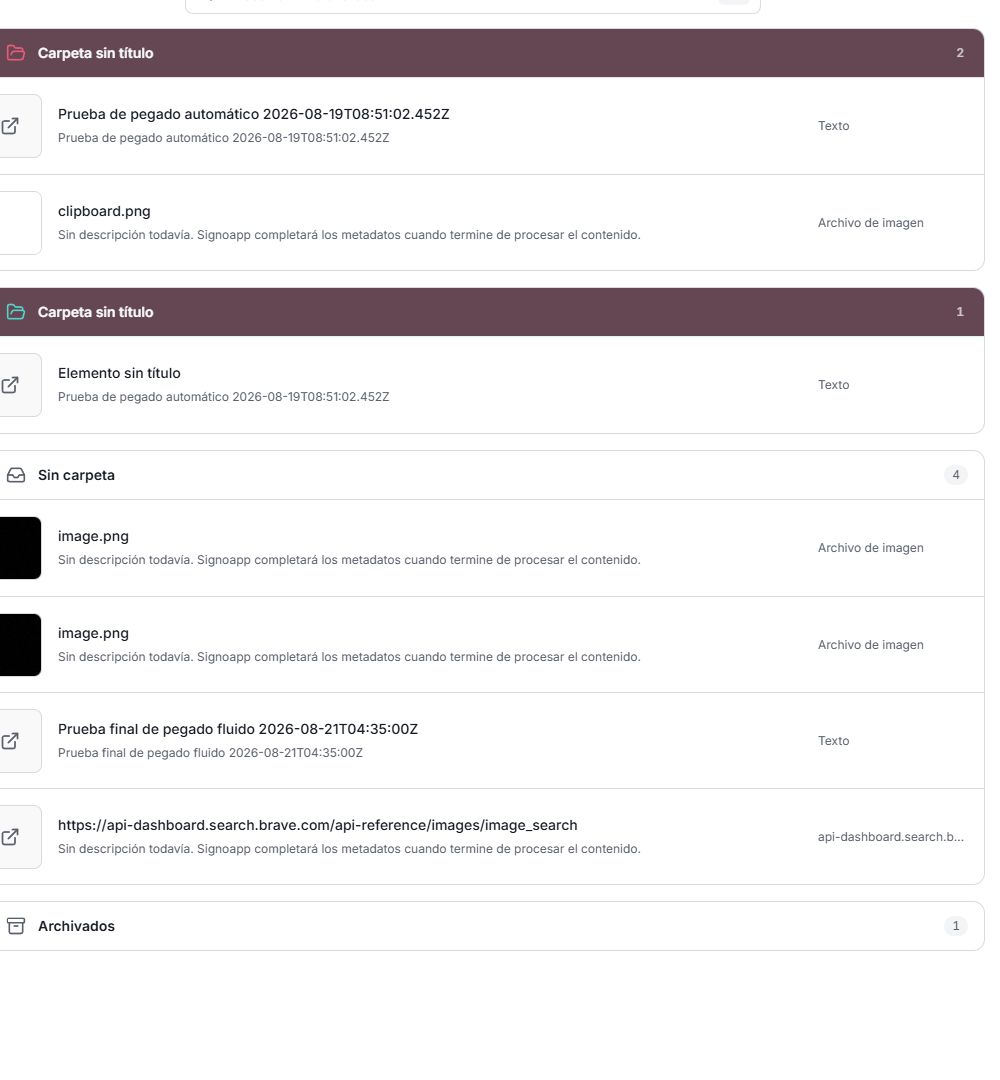
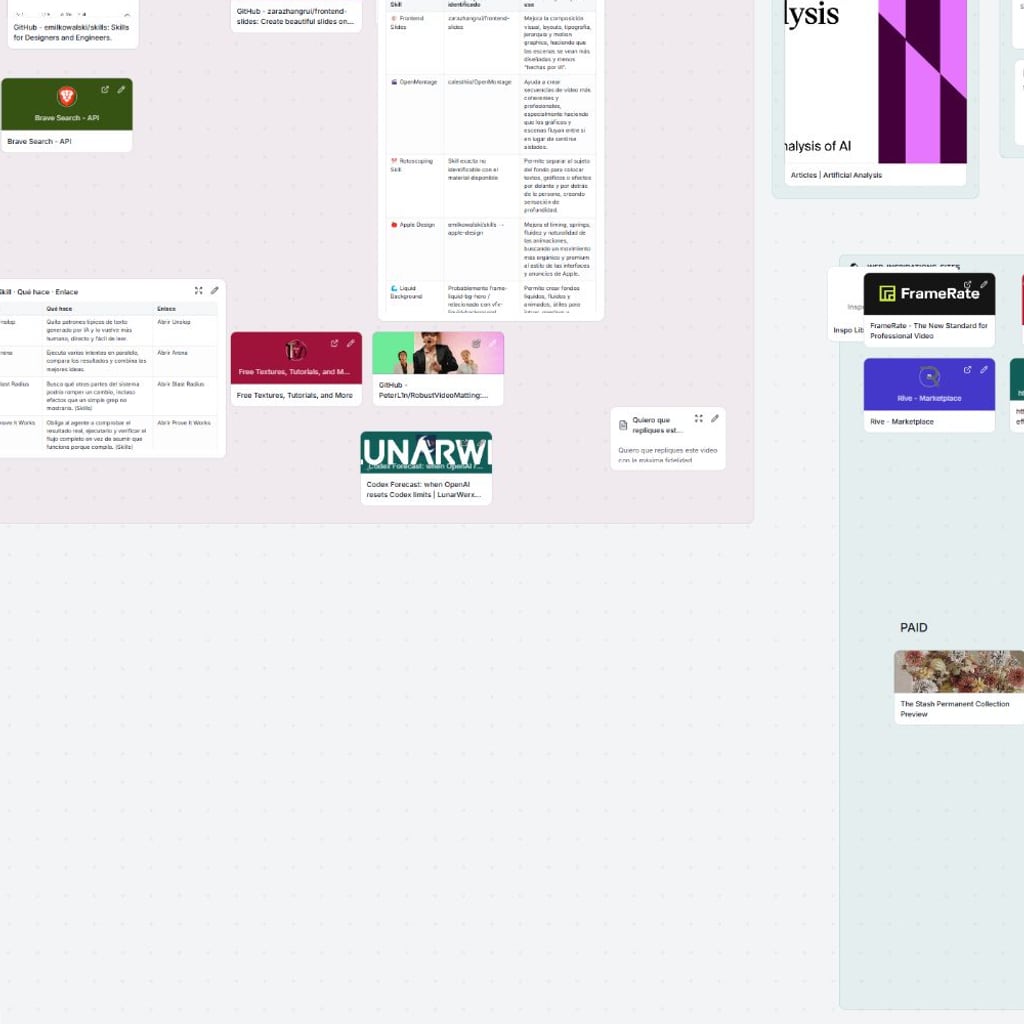
Links are only the beginning. Signoapp keeps notes, images, PDFs, highlights, and the context that makes each item useful.
02
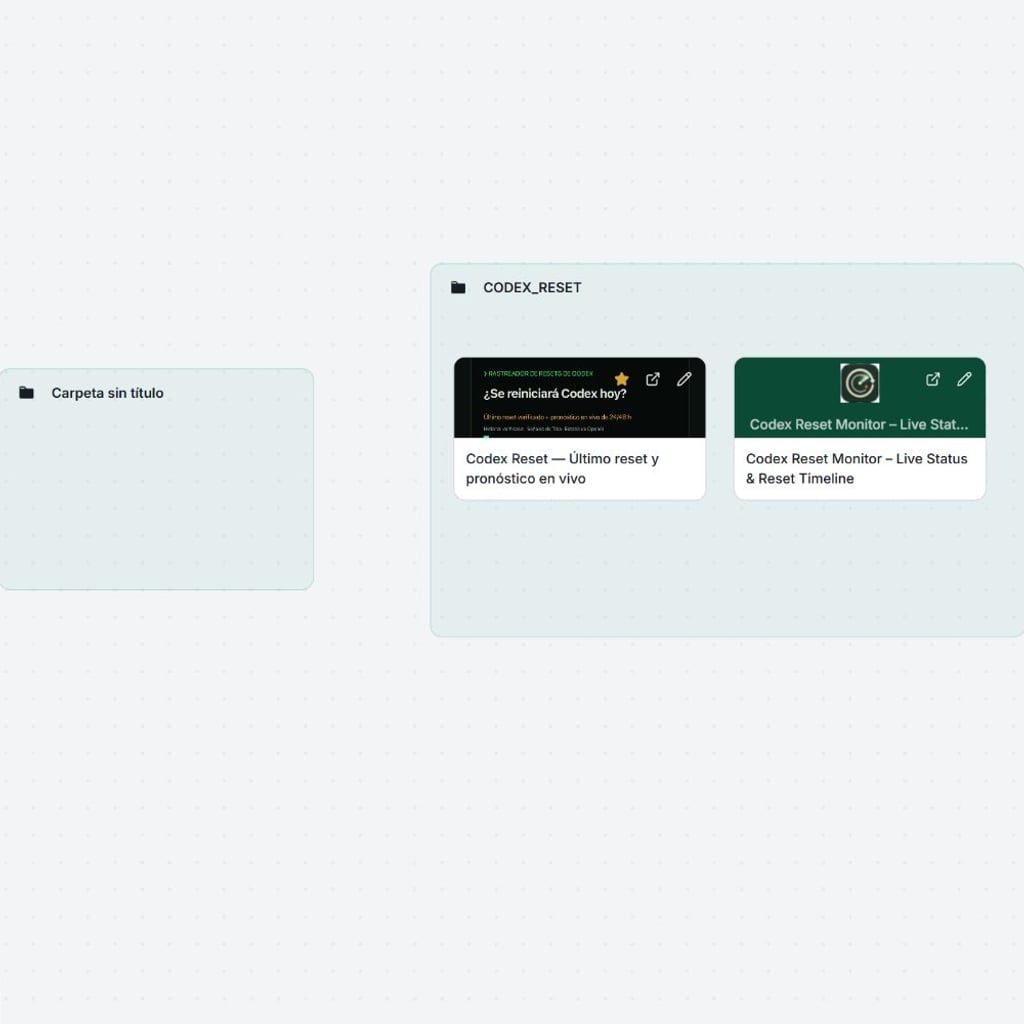
Full-page archival is built into Signoapp, ready to protect your reading list from edits, removals, and link rot.
03
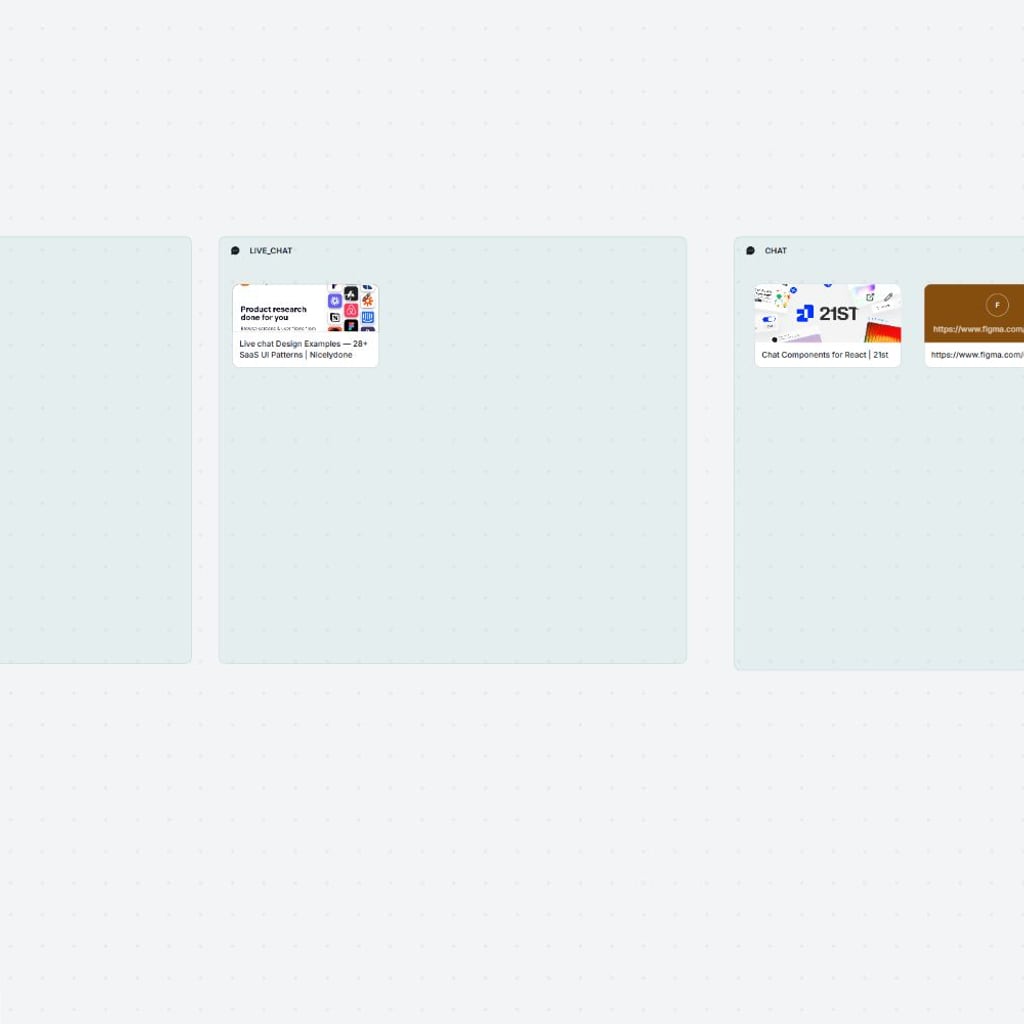
Your content, metadata, tags, and summaries come together in one fast, searchable Signoapp library.

The Signoapp ecosystem
Web, mobile, extensions, API, CLI, and agents all connect to the same collection. Signoapp keeps it synchronized automatically.
Let's break it down
Which works better for you?
Links only
Links, notes, images & PDFs
Manual folders
AI tags, lists & rules
Titles and URLs
Full text + semantic search
Links can disappear
Full-page archival included
Tied to one browser
Web, mobile & extensions
Limited export
API, CLI & webhooks
Getting started
01
Save one useful thing from wherever you find it.
02
Tags, summaries, lists, and rules quietly bring order. Your collection becomes useful from the very first save.
03
Search in your own words and bring the right idea back exactly when it matters.
Questions, answered
You can keep links, text notes, images, PDFs, highlights, and archived copies of full web pages.
Signoapp can suggest tags and summaries automatically while keeping you in control of your library.
Full-page archival can preserve a readable copy and the context you originally saved.
Yes. Importers are available for popular browsers and read-it-later services.
Full-text and semantic search help you find exact words, related topics, and half-remembered ideas.
Rules can tag, file, and update new saves based on conditions you define.
Connect through the REST API, CLI, webhooks, MCP server, and agentic skills.
Ready to take control of what you save? Leave scattered tabs behind and build a library that gives every good idea a way back.
Start your collection