



save
Keep every link
before it gets lost


save
organize

rediscover
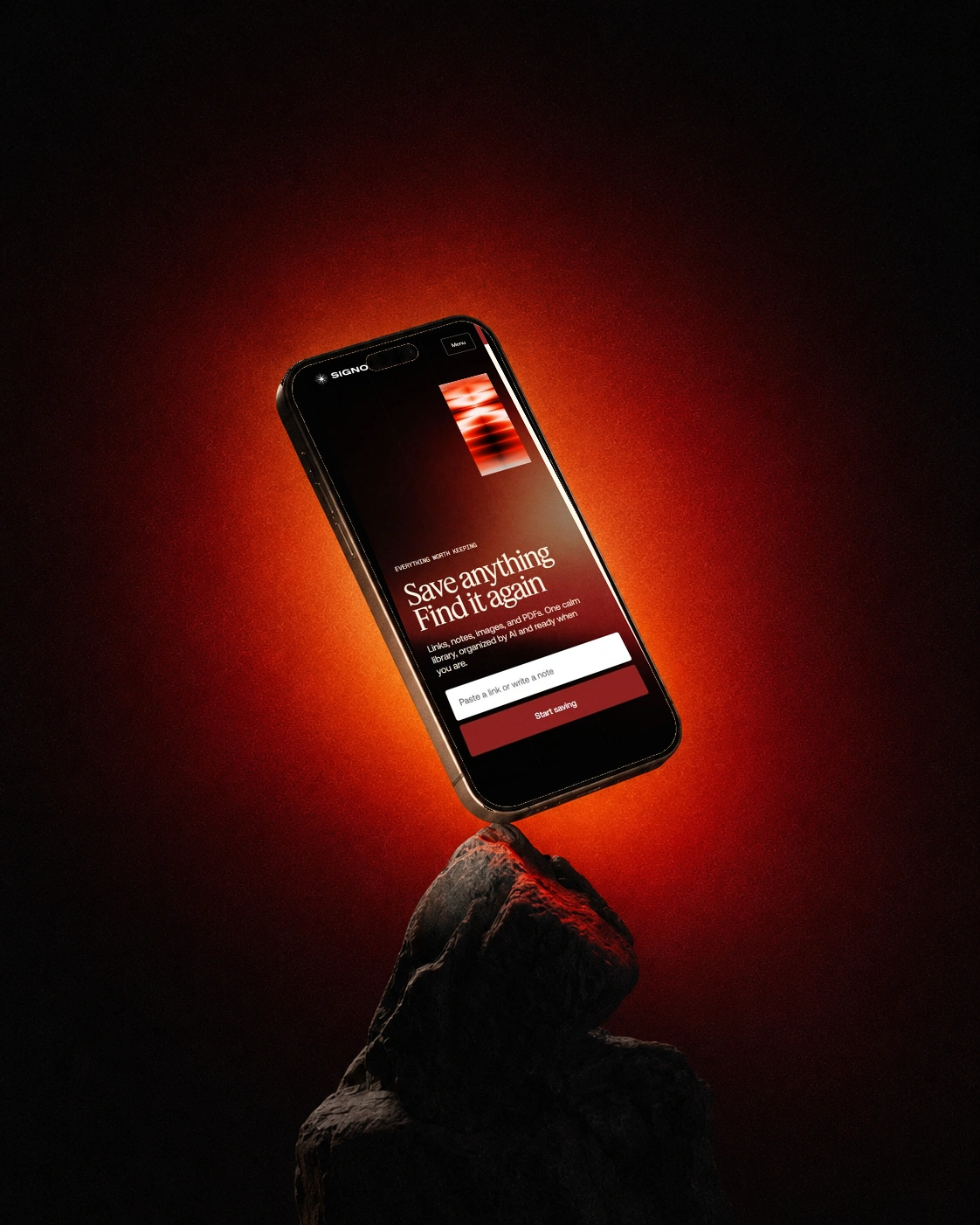
Send in a link, note, image, or PDF from any device. Signoapp captures the content and keeps the useful context with it.
Start your collection
Use the browser extension, connect Signoapp to ChatGPT, or open the app. Save and revisit ideas wherever you are, all in the same library.

Save pages, links, images and text in the Chrome or Edge side panel on your computer. In Edge, allow extensions from other stores if prompted.
Install extension →
Save pages, links, images and text in the Chrome or Edge side panel on your computer. In Edge, allow extensions from other stores if prompted.
Install extension →
The Firefox add-on is pending publication on Mozilla Add-ons.

Connect Signoapp to ChatGPT to find, save, and organize content from your library.
Connect ChatGPT →Use AI to create from your saved pages, notes, and images. Ask questions, explore new ideas, and search your library in seconds.
why signoapp
the problem
Valuable links disappear without warning
Tabs multiply faster than you can read them
Saved ideas get buried across too many apps
One save at a time
A growing library
Signoapp captures, connects, and preserves what matters to you. Together, those finds become a library that's more useful than scattered bookmarks and built to grow with every new idea.
Start your collection
Ready to take control of what you save? Leave scattered tabs behind and build a library that gives every good idea a way back.
Start your collection