

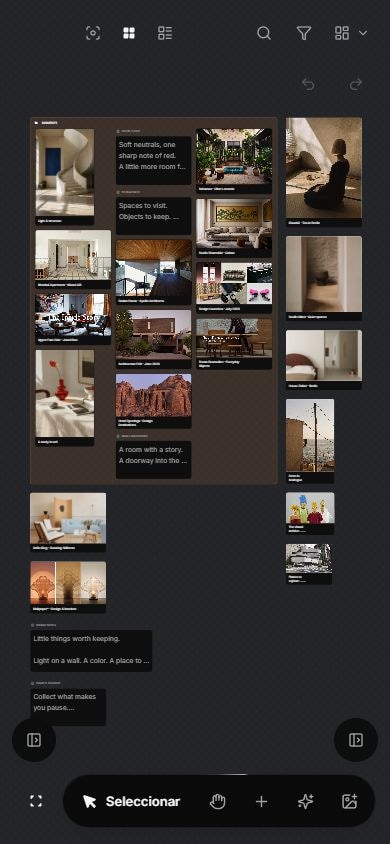
Use mobile capture as a temporary inbox, then process it on a fixed schedule instead of organizing on a small screen.
Put it into practice
Start with a few familiar references. Use mobile capture as a temporary inbox, then process it on a fixed schedule instead of organizing on a small screen. If you still cannot find what you need, change the rule and try again.
Work through one real item
Step 1
Name the question or task.
Step 2
Keep the original source.
Step 3
Add one sentence of context.
Step 4
Choose the next review point.
Try these steps with your own files. Keep the ones that help you find a reference or decide what to do with it.
What the source supports
Choose what to do
| Signal | Action | Details to keep |
|---|---|---|
| What to try | Use mobile capture as a temporary inbox, then process it on a fixed schedule instead of organizing on a small screen. | Record whether the item stays, changes, or goes, and why. |
| Useful now | Save and place it with current work | Source and next action |
| Possibly useful | Leave it in the inbox for review | Reason and review trigger |
| No named use | Close or delete it | None |
Check the result
When to use another approach
Sources reviewed
- Keeping Found Things Found on the WebMicrosoft Research · November 2001 · 2026-08-23
Observed methods people use to keep web information and the value of preserving reminders and context.
- Personal Digital ArchivingLibrary of Congress · Undated resource collection · 2026-08-23
Practical preservation guidance for personal digital collections, descriptions, storage, and formats.