

Keep the specific issue or passage you need, then remove the newsletter from the action inbox.
Put it into practice
Choose something you saved this week. Keep the specific issue or passage you need, then remove the newsletter from the action inbox. Note whether you could find it again.
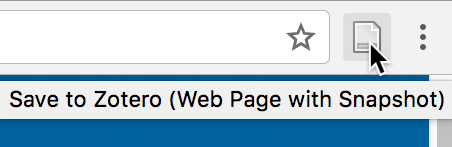
Work through one real item
Step 1
Name the question or task.
Step 2
Keep the original source.
Step 3
Add one sentence of context.
Step 4
Choose the next review point.
Try these steps with your own files. Keep the ones that help you find a reference or decide what to do with it.
What the source supports
Choose what to do
| Signal | Action | Details to keep |
|---|---|---|
| What to try | Keep the specific issue or passage you need, then remove the newsletter from the action inbox. | Record whether the item stays, changes, or goes, and why. |
| Useful now | Save and place it with current work | Source and next action |
| Possibly useful | Leave it in the inbox for review | Reason and review trigger |
| No named use | Close or delete it | None |
Check the result
When to use another approach
Sources reviewed
- Keeping Found Things Found on the WebMicrosoft Research · November 2001 · 2026-08-23
Observed methods people use to keep web information and the value of preserving reminders and context.
- Personal Digital ArchivingLibrary of Congress · Undated resource collection · 2026-08-23
Practical preservation guidance for personal digital collections, descriptions, storage, and formats.