






Capture title, source, date, format, and one purpose note before adding any optional field.
Put it into practice
Choose something you saved this week. Capture title, source, date, format, and one purpose note before adding any optional field. Note whether you could find it again.
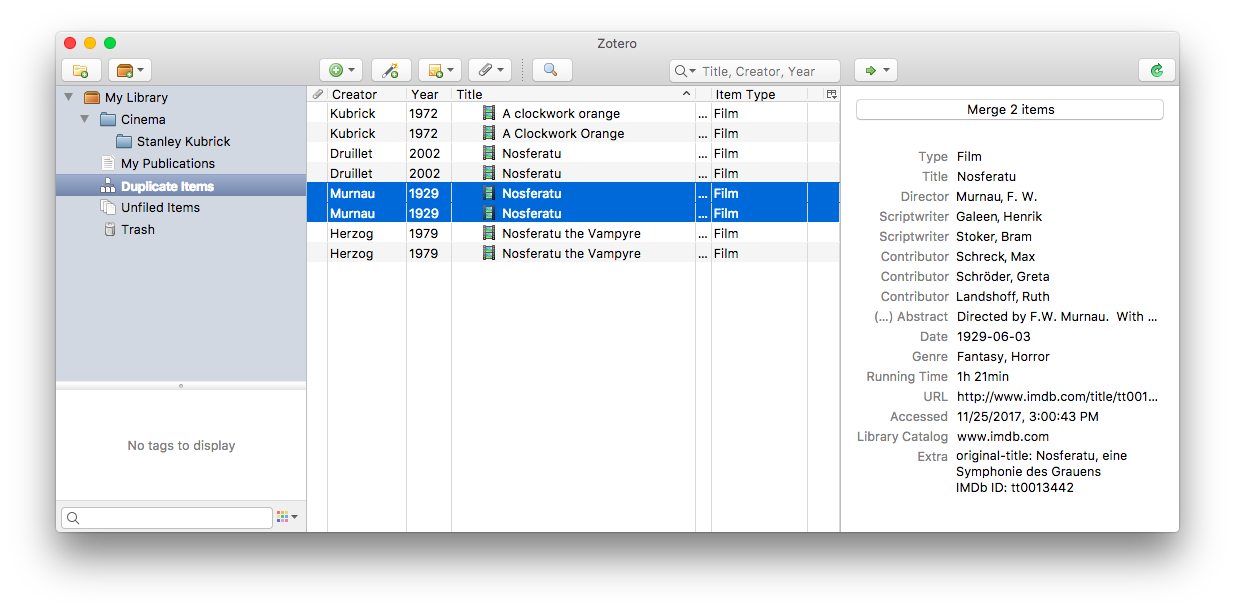
Work through one real item
Step 1
Write down the clue you actually remember.
Step 2
Search with one distinctive term.
Step 3
Inspect the first results before adding filters.
Step 4
Record why a known item was missed.
Try these steps with your own files. Keep the ones that help you find a reference or decide what to do with it.
What the source supports
Choose what to do
| What you remember | Start with | Then add |
|---|---|---|
| What to try | Capture title, source, date, format, and one purpose note before adding any optional field. | Record whether the item stays, changes, or goes, and why. |
| Exact words | Full-text search | Format or source |
| Only the idea | Semantic search | Date or project |
| The surrounding event | Context filter | Person or place |
Check the result
When to use another approach
Sources reviewed
- Searching to Eliminate Personal Information ManagementMicrosoft Research · January 2006 · 2026-08-23
Search can reduce filing work when retrieval uses remembered context and content.
- Keeping Found Things Found on the WebMicrosoft Research · November 2001 · 2026-08-23
Observed methods people use to keep web information and the value of preserving reminders and context.